Real folders
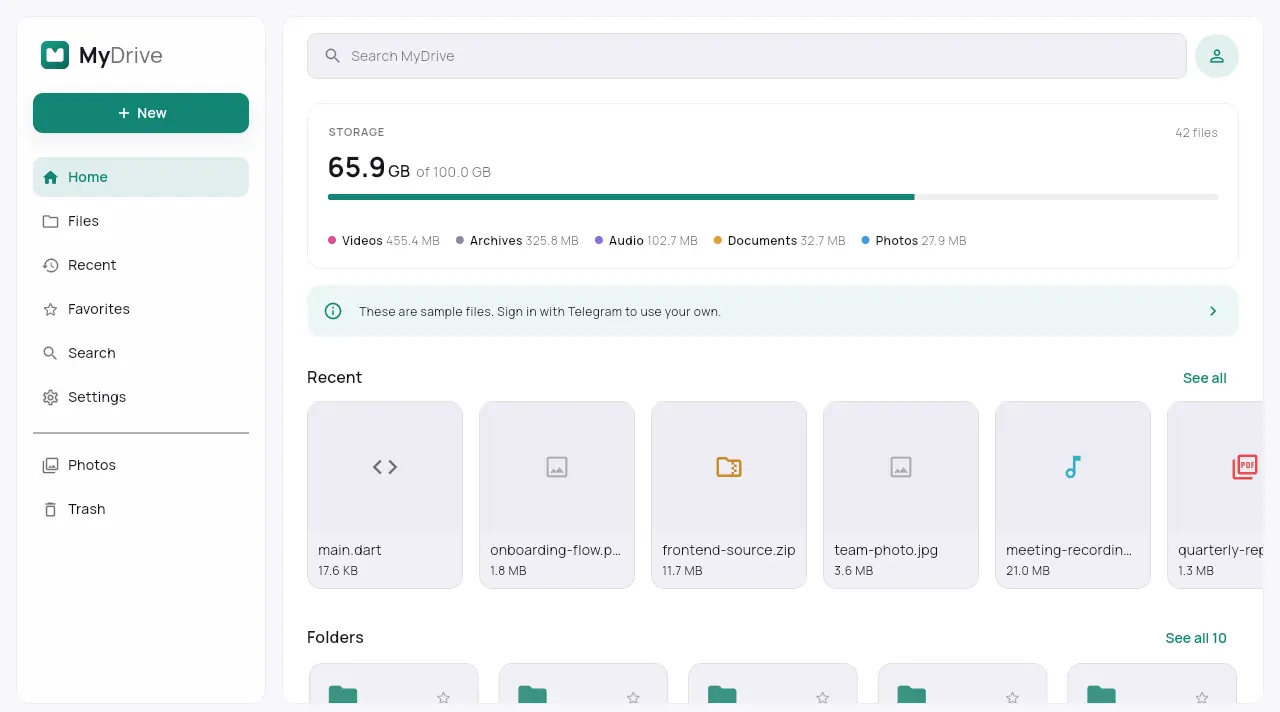
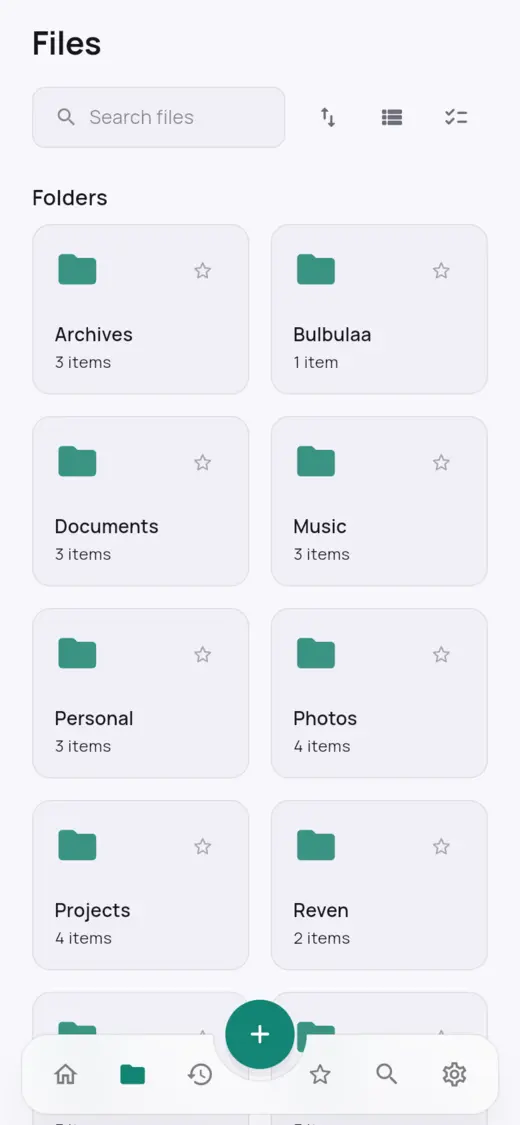
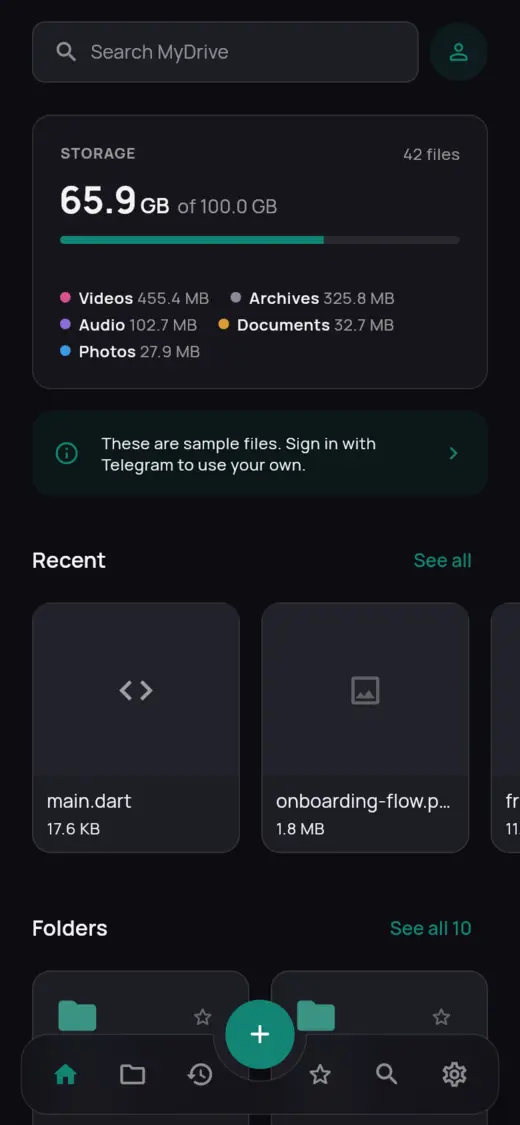
Folders inside folders, favorites, search, sorting, rename, move and trash — like a drive, not a chat.
Free · No storage limit · Open source
MyDrive is a calm, fast file explorer for your photos, music, videos and documents. Everything is stored in a private channel in your Telegram that only you can see.
Android · Windows · Mac · Linux
Download not starting? You're in an app's built-in browser. Tap ⋮ (top right) → Open in Chrome (or your browser), then tap Download again.
No new account, no card, no cloud subscription. Just your Telegram.
A free, one-time step on Telegram's own site, so MyDrive connects with an ID that belongs to you. How to get it
Enter your phone number and the code Telegram sends you, or scan a QR code on a computer.
MyDrive creates a private "MyDrive Storage" channel in your Telegram. Only you are in it.
Upload from your phone or computer, or forward files to it from any Telegram chat.
MyDrive talks to Telegram straight from your device, with an app ID of your own. It's free and takes about two minutes. You only do it once.
Turn off any VPN or ad blocker, open the page in Chrome, and use a Short name of 5 to 32 letters with no spaces. If it still fails, try again a few hours later: Telegram limits how often this can be tried.
The app ID only identifies the app that's connecting, like a name tag. It doesn't give anyone access to your account, and it stays on your device. Still, keep your api_hash to yourself.
Folders inside folders, favorites, search, sorting, rename, move and trash — like a drive, not a chat.
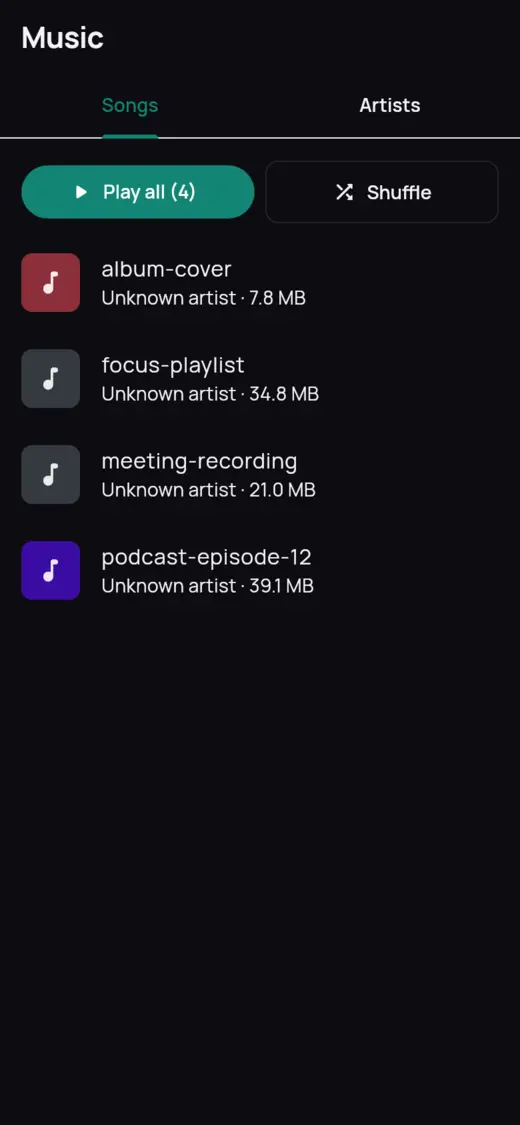
A photo timeline, an in-app video player and a music player with lock-screen controls.
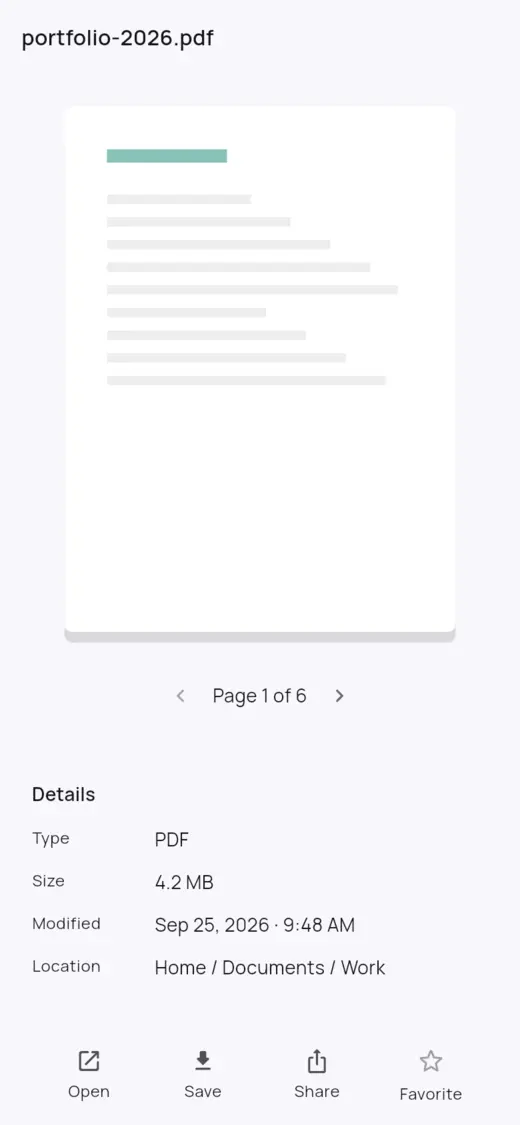
Open PDFs and text files right in the app, with search inside the document.
The app talks straight to Telegram. There is no MyDrive server, so we never see your files. Turn on end-to-end encryption if you like.
Nothing big downloads without asking. Keep folders offline, cap the space used, and wait for Wi-Fi.
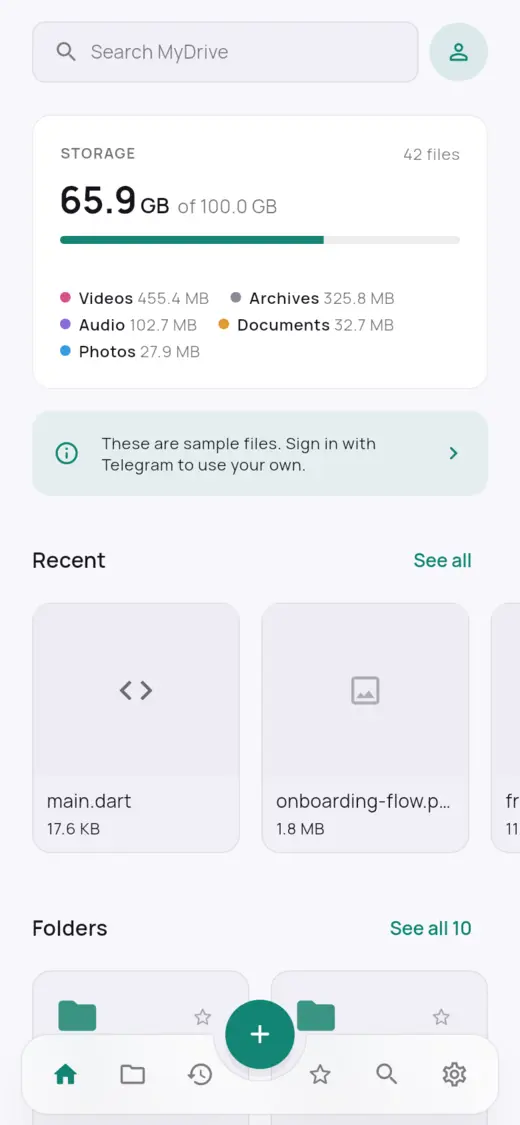
Designed for both: a one-hand phone layout and a roomy desktop layout with drag and drop.
Light and dark, on every screen.
Free for every platform.
Open the downloaded file. If Android asks, allow installing apps from your browser or files app, then tap Install. New versions install over the old one.
Right-click the zip → Extract All, then open mydrive.exe in the folder. The app isn't signed yet: if Windows says it protected your PC, click More info → Run anyway. If Smart App Control blocks it, it can be turned off in Windows Security.
Unzip and move MyDrive to Applications. The first time, right-click it and choose Open, then Open again, because it isn't notarized yet.
Extract the archive and run bundle/mydrive. Needs GTK 3 and libsecret, which most desktops already have.
Video and music playback on Windows and Linux is coming soon. MyDrive is not made by or affiliated with Telegram.
Yes. MyDrive is free and open source, and Telegram doesn't charge for storage. There is no MyDrive subscription.
In a private channel called "MyDrive Storage" in your own Telegram account. You can see it in Telegram too. Please don't delete its messages, because they are your files.
No. The app connects directly from your device to Telegram. Your sign-in stays on your device, and there's no MyDrive server in between.
There's no limit on total storage. Telegram limits each single file to 2 GB (4 GB with Telegram Premium).
Telegram asks every app that signs in to an account to identify itself. With your own ID, your MyDrive doesn't share limits with anyone else's, and nobody else is involved. Here's how to get it; it's free and done once.
If you'd rather not sign in with your account, MyDrive can store files through a Telegram bot you create. It's simpler, needs no app ID, but files you forward to the bot must be under 20 MB.
Yes. Sign in with the same Telegram account on each device and you'll see the same drive.